Fathom vs Fireflies: Which AI Notetaker Should You Use? (2026)
By Jonathan Miksis · Updated October 27, 2026 · 5 min read
Some links in this post are affiliate links. If you buy through one, I may earn a commission at no extra cost to you.
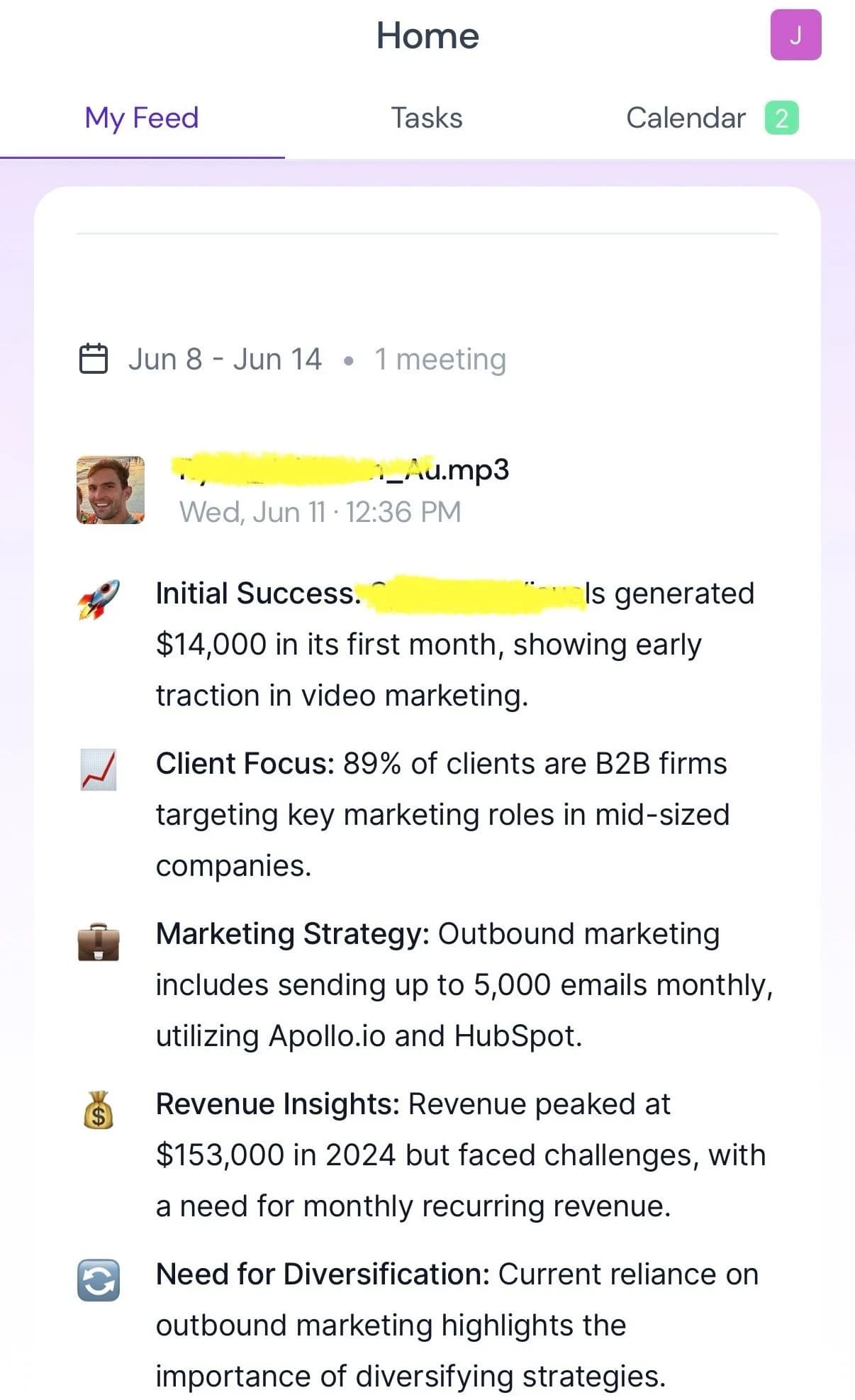
Fathom vs Fireflies: start with Fathom if you want a straightforward meeting record and generous free recording volume. Evaluate Fireflies if you want a broader routing and analysis workflow across a team. Both have paid team features, CRM connections and mobile capture, so “solo versus team” is a starting recommendation rather than a product boundary.
This comparison was checked against vendor pricing and documentation on October 27, 2026. No new timed accuracy test was run for this update.
Quick verdict
- Try Fathom first for a personal archive of calls and summaries.
- Compare Fireflies for cross-team integrations and conversation analysis.
- For a sales team, compare the actual Business tiers. Fathom has CRM field sync and coaching tools too; it should not be ruled out just because Fireflies markets heavily to teams.
Fathom vs Fireflies at a glance
| Decision | Fathom | Fireflies |
|---|---|---|
| Free recording/storage | Unlimited recording, transcription and storage | 400 storage minutes/team; conditional unlimited transcription |
| Free summary limit | Advanced summaries on 5 calls/month; general summaries afterward | Limited AI summaries |
| Personal paid plan, annual / monthly | Premium $16 / $20 per user/month | Pro $10 / $18 per seat/month |
| Team plan, annual / monthly | Team $15 / $19 per user/month; 2-user minimum | Pro can serve a small team; Business adds analytics |
| Business, annual / monthly | $25 / $34 per user/month; 2-user minimum | $19 / $29 per seat/month |
| In-person option | iOS app | iOS and Android apps |
USD prices checked October 27, 2026. Annual equivalents require a yearly payment. Sources: Fathom pricing, Fathom free-plan help, Fathom iOS and Fireflies pricing.
Where Fathom wins
Fathom is my first recommendation when someone wants useful call notes without immediately budgeting for a subscription. Its free plan keeps recording and transcription unlimited; the five-call cap applies to advanced summary templates, not to every recording or every general summary.
The distinction between basic CRM sync and deeper automation matters. Fathom's help center lists basic CRM sync for Free and Premium with a three-user-per-domain limit. Business adds automatic CRM field sync, Deal View and coaching metrics. Its integration directory lists Salesforce as well as HubSpot, so “Fathom has no serious CRM support” would be the wrong reason to dismiss it.
The iOS app now captures in-person conversations. I have not rerun my earlier comparison on that app, so I am not claiming it wins a new mobile accuracy test.
Where Fireflies wins
Fireflies is worth evaluating when the same meeting needs to feed multiple shared workflows. Its integration directory includes CRM and collaboration destinations, and Business lists team analytics and conversation intelligence. Map those to an actual job before choosing the plan.
The free tier needs a closer read. It lists 400 storage minutes per team, not 800. Its Auto-join guide makes unlimited transcription conditional for newer accounts. Do not confuse the number of meetings transcribed with how much recording you can keep or how many AI features you can use.
Pricing: Fathom vs Fireflies
For one person who wants advanced Fathom summaries, Premium is $192/year ($16/month equivalent), versus $120/year for Fireflies Pro ($10/month equivalent). That comparison is useful for budget, but the feature sets differ.
For two people on annual team plans:
| Two-seat budget | Monthly equivalent | Annual payment |
|---|---|---|
| Fathom Team | $30 | $360 |
| Fathom Business | $50 | $600 |
| Fireflies Pro | $20 | $240 |
| Fireflies Business | $38 | $456 |
These are seat-price calculations, excluding tax and add-ons. Fathom's Team and Business plans have a two-user minimum; Premium is the individual paid option.
Fireflies' AI-credit guide says standard transcription, notes and recap emails are covered by the plan, while advanced tools consume credits. Included credits are one-time, not a monthly allowance. Check purchased-credit billing and auto-upgrade settings before treating the seat subtotal as the total software budget.
The verdict: which should you choose?
My recommendation is to start with Fathom Free for personal call notes. For a team, define one required handoff, such as updating the right CRM field after a call, and test it in both candidates. Compare the relevant paid plans, the minimum seats and any AI add-ons before deciding.
You do not need a new subscription just because another team uses one. If the current tool already records, summarizes and sends the correct data where you need it, switching creates work without a clear benefit.
Frequently asked questions
Is Fathom or Fireflies better?
I recommend starting with Fathom for personal meeting notes and evaluating Fireflies for a shared automation workflow. Both have team plans and CRM integrations. Compare the exact job and plan rather than treating one as solo-only and the other as team-only.
Which has the better free plan, Fathom or Fireflies?
Fathom is more generous for recording and storage volume: these are unlimited, with advanced summaries on five calls per month. Fireflies lists 400 storage minutes per team, limited AI summaries and conditional unlimited transcription for newer accounts, as checked October 27, 2026.
Does Fathom integrate with a CRM?
Yes. Fathom lists HubSpot and Salesforce, with basic CRM sync on Free and Premium subject to a user limit. Business adds automatic CRM field sync. Check the exact connector and plan requirements.
Which is cheaper for two team members?
At annual billing, Fathom Team is $360 per year for two users and Business is $600. Fireflies Pro is $240 per year for two seats and Business is $456. These October 27, 2026 calculations exclude taxes and add-ons, and the tiers are not feature-equivalent.
Does Fireflies include a monthly refill of AI credits?
Its AI-credit guide describes the credits included with a plan as a one-time allocation. Purchased credit subscriptions are separate, and advanced usage or auto-upgrades can increase the bill. Standard transcription, notes and recap emails are covered by the plan.
Keep comparing

Written by Jon Miksis
Founder of AI Hustle Guy, Make the Leap, and Europe Flight Club, and the travel blogger behind Global Viewpoint (9+ years, 73 countries). He brings 9+ years of coaching and mentorship experience and has attended 23 transformation retreats and facilitated 6 across four continents. Every AI tool and prompt on this site gets tested on his own businesses first.
Get my free AI prompt pack
Join 300+ founders, creators, and professionals. I’ll send you my go-to AI tools and copy-paste prompts that save hours every week. No spam.