Descript vs CapCut: Which AI Video Editor Fits You? (2026)
By Jonathan Miksis · Updated September 3, 2026 · 4 min read
Some links in this post are affiliate links. If you buy through one, I may earn a commission at no extra cost to you.
Descript vs CapCut is really a question about what you make. If your center of gravity is long-form (YouTube videos, podcasts, courses), Descript will save you the most hours. If you live in TikTok, Reels, and Shorts, CapCut is faster and more native than anything else.
Both went through the same footage in my full AI video editor test. Here's the direct comparison.
Quick verdict
- Choose Descript for long-form: edit video by editing text, one-click filler-word removal, studio-grade audio cleanup, and shorts cut from the same timeline.
- Choose CapCut for short-form: the fastest path to polished, trend-native vertical video, with the best free tier in the category.
One line: Descript is a production studio. CapCut is a shorts machine.
Descript vs CapCut at a glance
| Descript | CapCut | |
|---|---|---|
| Best for | Long-form, podcasts, courses | TikTok / Reels / Shorts |
| Editing style | Text-based (edit the transcript) | Visual timeline + templates |
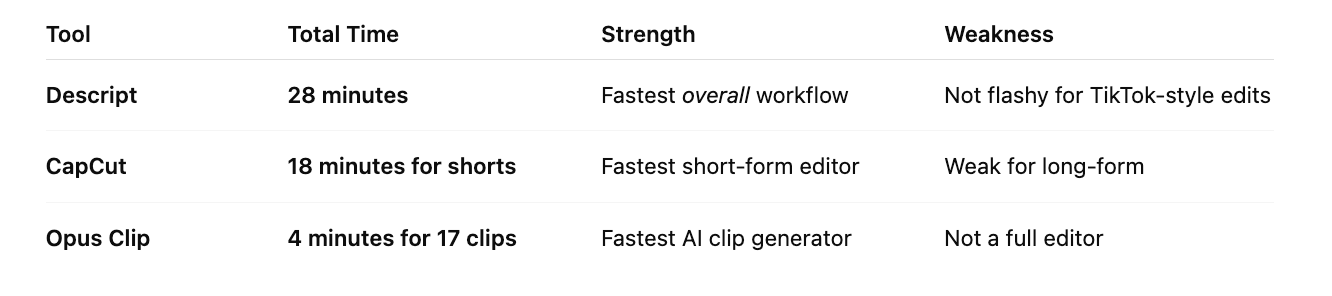
| My test result | Full workflow in 28 min | 5 shorts in 18 min; long-form took 34 min and felt sloppy |
| Audio tools | Excellent (Studio Sound) | Basic |
| Templates & effects | Functional | Best-in-class, trend-driven |
| Free plan | ~60 media min/mo | Generous: 1080p, no watermark |
| Paid from (annual) | Hobbyist ~$16/mo | Standard $9.99/mo |
Where Descript wins
Descript's text-based editing is a cheat code for talking content: delete a sentence in the transcript and the video cut happens for you. Filler words vanish in one click, Studio Sound fixes echo and mic issues, and multitrack podcast editing stays sane. In my timed test, the entire workflow (a polished long-form edit plus five captioned shorts) took 28 minutes. CapCut needed 34 minutes for the long-form edit alone, and it fought me the whole way.
Where it falls short: flashy, trend-style shorts. Descript's output is clean rather than native-feeling, and its templates can't touch CapCut's.
Where CapCut wins
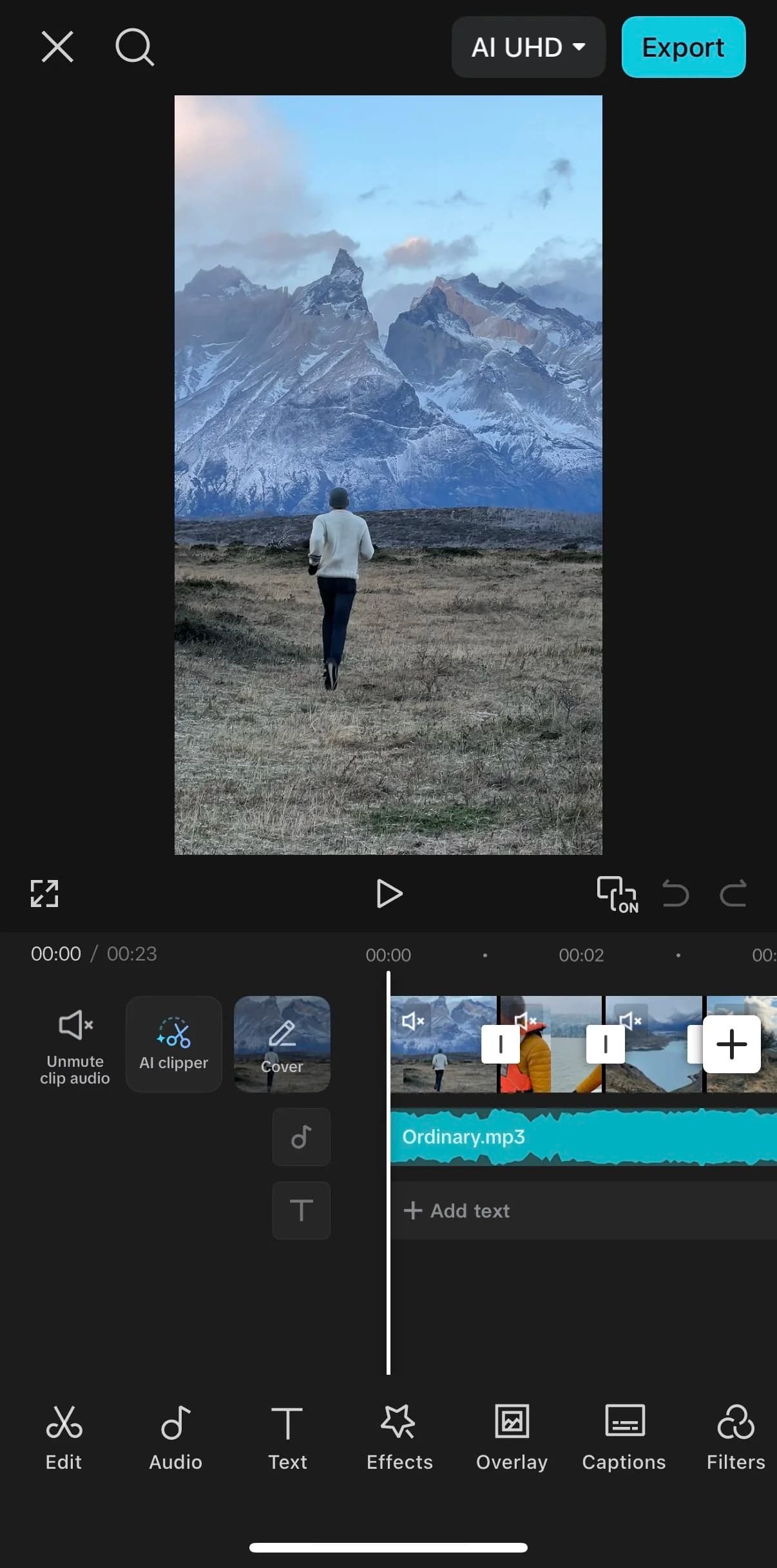
CapCut is built for the feed. Templates that actually look current, motion text, transitions, and auto-captions that are startlingly accurate, you can produce five to ten platform-native shorts in the time a traditional editor renders one. The learning curve is about ten minutes, and the free tier (1080p, no watermark on standard edits) is the most generous in the category.
Where it falls short: long-form is genuinely painful, audio tools are basic, and there's no text-based editing. It's a specialist, and it's fine with that.
Pricing: Descript vs CapCut
| Plan | Descript | CapCut |
|---|---|---|
| Free | ~60 media min/mo | Full editor, 1080p, no watermark |
| Entry paid (annual) | Hobbyist ~$16/mo | Standard $9.99/mo |
| Serious tier | Creator ~$24/mo (30 hrs, 4K) | Pro $19.99/mo (4K, full AI toolkit) |
Prices checked July 2026. If you're short-form-only, CapCut free may be all you ever need. If long-form is in your week, Descript earns its subscription in the first edit.
The verdict: which should you choose?
Match the tool to your primary format:
- Long-form first (YouTube, podcast, course)? Descript, and cut your shorts from the same timeline.
- Short-form first (TikTok/Reels native)? CapCut, start free.
- Long-form that needs to become lots of shorts? Add Opus Clip to the pipeline, that's the full stack from my three-way test.
Frequently asked questions
Is Descript or CapCut better? For long-form video and podcasts, Descript, its text-based editing and audio cleanup are unmatched at this price. For TikTok-native short-form, CapCut is faster and better looking. Choose by your primary format.
Can CapCut edit long videos? Technically yes, practically no. In my test a long-form edit took longer in CapCut than the entire multi-output workflow took in Descript, and the timeline experience degrades as projects grow.
Is Descript good for shorts? Good, not flashy. You can cut clean shorts from your long-form timeline quickly, but for trend-driven styling and effects, CapCut finishes them better.
Which has the better free plan? CapCut, and it's not close: full editor, 1080p export, no watermark on standard edits. Descript's free tier (~an hour of media a month) is a trial, not a workflow.
Keep comparing

Written by Jon Miksis
Founder of AI Hustle Guy, Make the Leap, and Europe Flight Club, and the travel blogger behind Global Viewpoint (9+ years, 73 countries). He brings 9+ years of coaching and mentorship experience and has facilitated 23 transformation retreats across four continents. Every AI tool and prompt on this site gets tested on his own businesses first.
Get my free AI prompt pack
Join 300+ founders, creators, and professionals. I’ll send you my go-to AI tools and copy-paste prompts that save hours every week. No spam.